
Inland Revenue expects a GST-registered business to keep records of expenses for seven years from the end of the period they relate to, in paper or electronic form, complete and legible and available if they ask for them. Their guidance sets it out.
Now think about the physical object that obligation attaches to. A thermal paper receipt, folded into a wallet, left on a dashboard in the sun, run through a wash cycle in a hi-vis pocket. Thermal print fades. Some of it is unreadable inside a year, let alone seven.
That is the compliance version of the problem, and it is the less interesting one.
The expensive version is that the receipt was for materials on a specific job, and by the time it reaches the office nobody can remember which. So it gets coded to a general materials account, the job it belonged to looks more profitable than it was, and you quote the next one from a number that was never real.
Where a receipt should land
A receipt has two destinations and most businesses only serve one of them.
It has to reach your accounting system, because GST and tax depend on it. That is the destination everyone remembers, usually at month end, usually in a shoebox.
It also has to reach the job that spent the money, because job costing depends on it. That is the destination that quietly gets skipped, and it is the one that changes what you charge next time.
The gap between the two is where margin goes missing. Not dramatically, and not on any single job. A $180 fitting here, a $60 hire there, coded correctly for tax and attached to nothing in particular.
Photograph it against the job, on site
In Systemise you file a photographed receipt directly against a job. The action exists for exactly that: take the picture, pick the job, and the document is attached to it and costed to it.
The practical significance is the timing. The moment somebody actually knows which job a receipt belongs to is the moment they are standing at the merchant counter holding it. An hour later it is probable. A fortnight later it is a guess.
So the capture happens where the knowledge is, rather than being deferred to somebody at a desk who was not there.
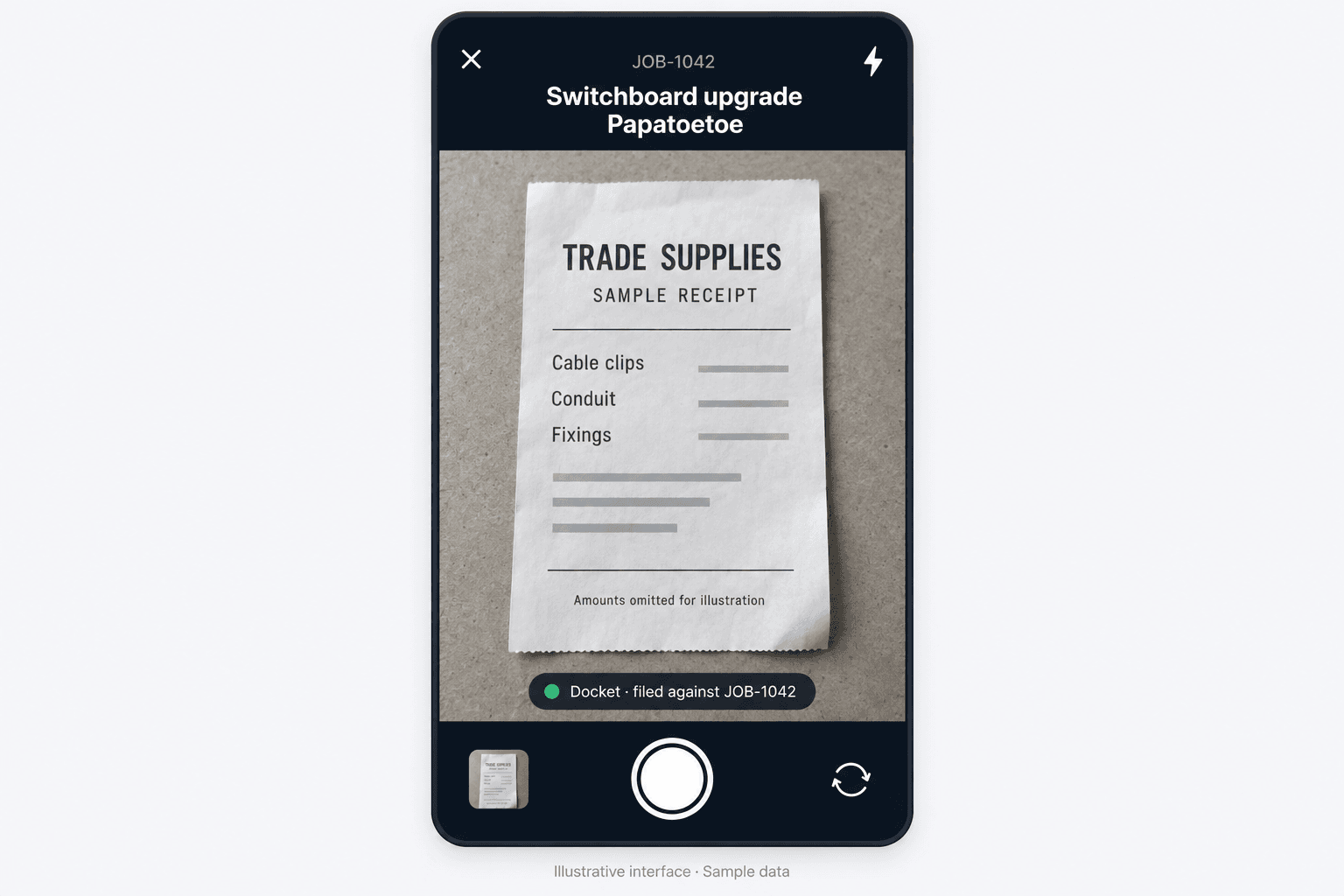
Capture the receipt while the job is still fresh in mind. Illustrative interface with sample data; amounts omitted.
What is read off it, and what you still check
Systemise extracts the details from the image rather than making somebody retype them. It works out the supplier, the date, the totals and the GST, and it separates the line items rather than treating the whole thing as one lump. It also recognises what kind of document it is looking at, distinguishing a receipt from a supplier invoice from a statement, because those three want handling differently.
The extraction carries a confidence indication rather than presenting everything as equally certain, and that distinction matters. Extraction from a photograph of a creased receipt is very good and it is not infallible. A smudged total, an unusual layout, a receipt photographed at an angle in poor light: these produce results that need a human eye.
So the rule is simple and worth stating plainly. Check the extracted values before you rely on them. Systemise removes the typing, not the responsibility. Anyone telling you their extraction never needs reviewing is describing a product that does not exist.
Then it becomes job cost
Once filed, the spend posts against the job as it runs, alongside recorded labour and any other costs, and feeds the job's financial view.
This is the part that repays the habit. A job you are halfway through has real materials cost on it, today, rather than an estimate you will reconcile in three weeks. If a job is going to overrun on materials, the useful moment to discover that is while you can still do something about it.
As with everything financial in Systemise, cost and margin are visible only to users whose permissions allow it. A crew member photographing a receipt does not thereby see what the job is making.
Coding, and your accountant
Systemise reads the chart of accounts from your Xero organisation and lets you nominate which account purchases should land against. That is what stops the month-end recoding exercise where somebody moves fifty transactions one at a time.
Be clear about the boundary, though. This is account-code mapping for purchases. It is not a promise that every document you photograph appears in Xero automatically. What moves between Systemise and Xero, and what does not, is covered in its own article, and it is worth reading before you design your month around an assumption.
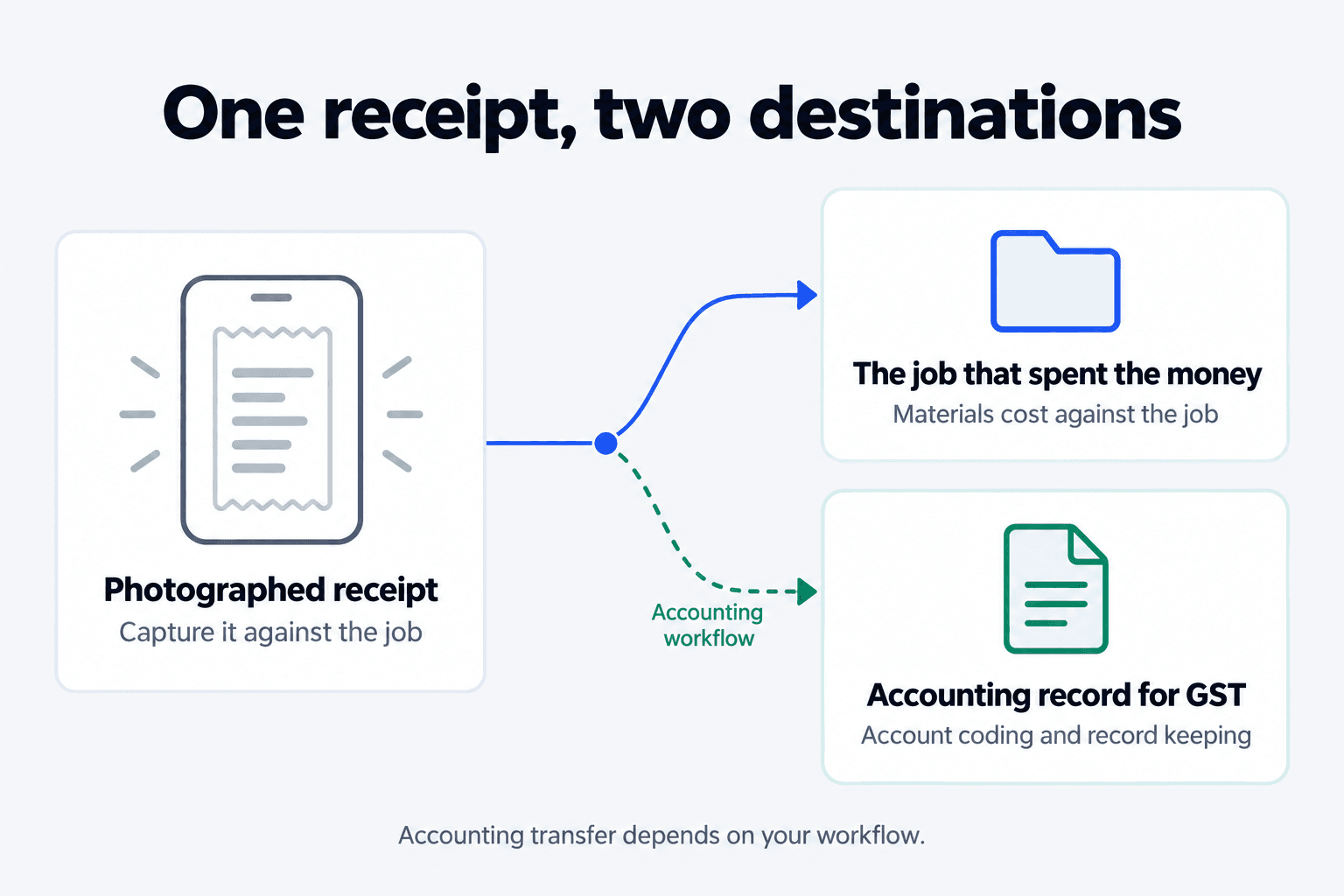
A receipt supports both job costing and accounting records. Accounting transfer depends on your workflow.
The habit, not the feature
The software is the easy half. The habit is what actually changes the numbers, and it is mostly three rules.
Photograph it before you leave the carpark. Not at the end of the day, not on Friday. The job is unambiguous while you are still standing next to it.
Every receipt, including the small ones. The $12 consumables are individually irrelevant and collectively about a week of margin a year. They are also the ones nobody can allocate later.
Keep the paper until the extraction is checked. Once you have confirmed the values are right, the photograph is your record. Before that, it is a photograph of something you have not read properly.
For a crew, the version that actually sticks is shorter: if you spent money on a job, take a picture of the receipt and pick the job. That is the whole instruction.
What this does not do
It does not file your GST return, calculate your tax position, or tell you what is deductible. Those are questions for your accountant and for Inland Revenue.
It does not guarantee extraction accuracy, and no figure for accuracy appears in this article because none is claimed.
And it does not remove your obligation to hold the records. It gives you a legible copy attached to the work that caused the cost, which is a considerably better starting point than a glovebox, but the obligation stays with you.
Where to look next
The mechanism is described on Accounting and Smart Receipts. How labour joins materials to make a job cost is covered in the article on recording hours against jobs. What actually moves to Xero is covered in the article on the Xero connection.
If you want to test whether this is worth changing your process for, take your last completed job, add up the receipts you can confidently attribute to it, and compare that with what you allowed for materials when you quoted. The size of the gap is your answer.